1Welcome aboard!
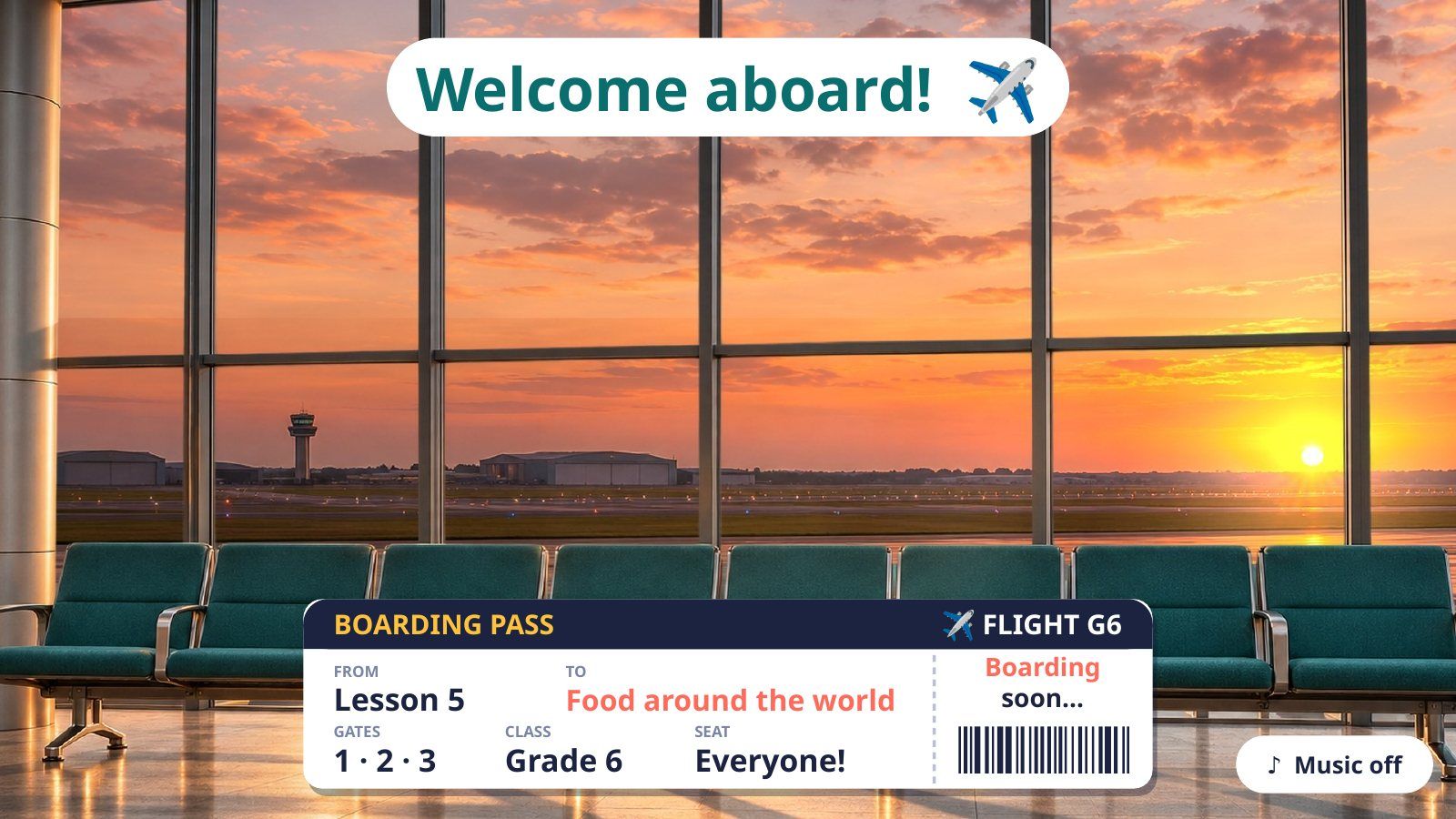
On tap: Plays by itself while the class comes in: the plane takes off behind the glass and soft music repeats. Tap the ♪ Music button to stop the music, tap again to play it. Click anywhere else when everyone is ready.
بالضغط يصير: يشتغل لحاله والصف يدخل: الطيارة تقلع ورا الزجاج وموسيقى هادية تتكرر. زر ♪ Music يوقف الموسيقى، وضغطة ثانية ترجّعها. وضغطة بأي مكان ثاني لما يجهز الكل.
2Gate 1 · Flight Information
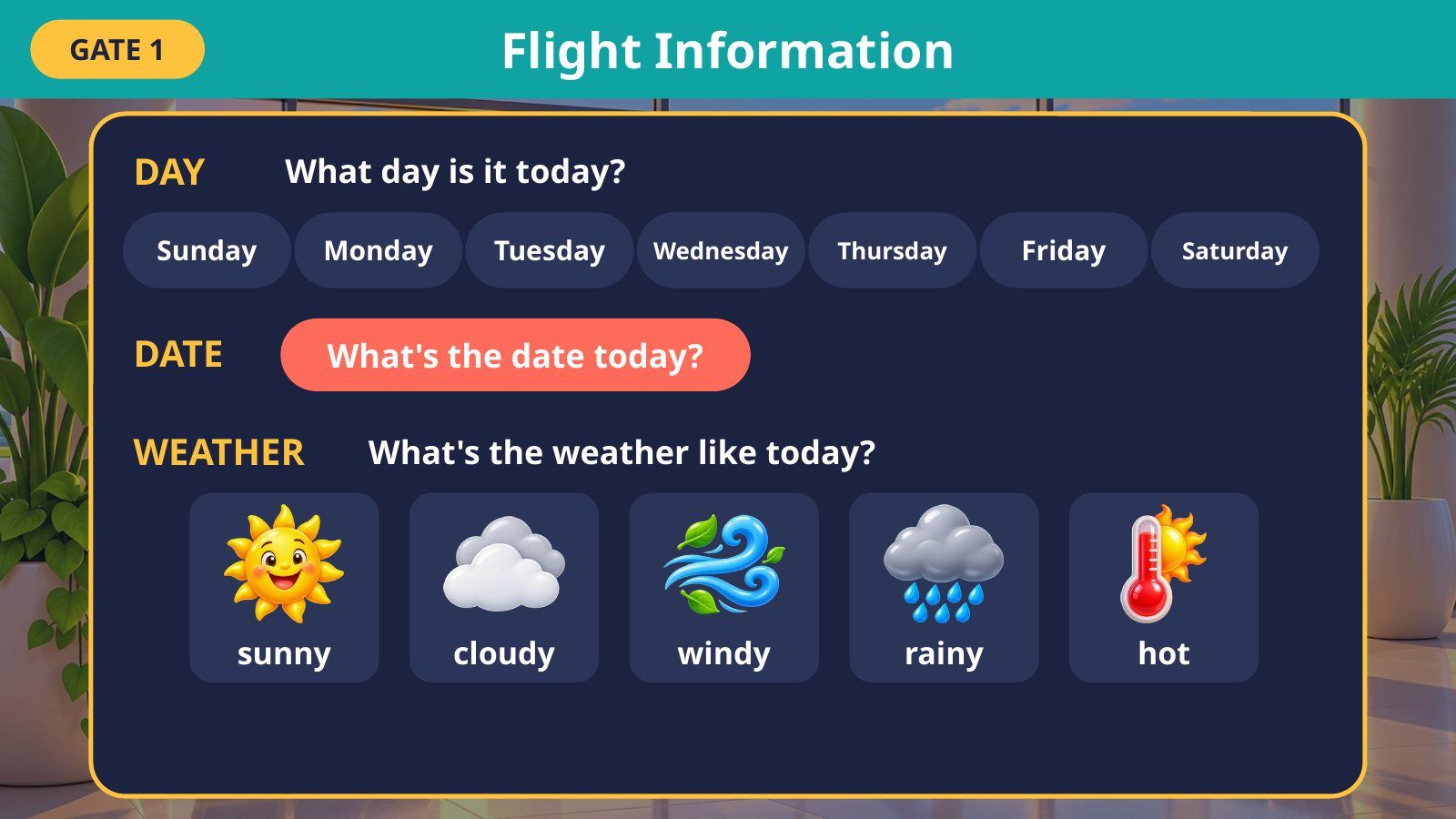
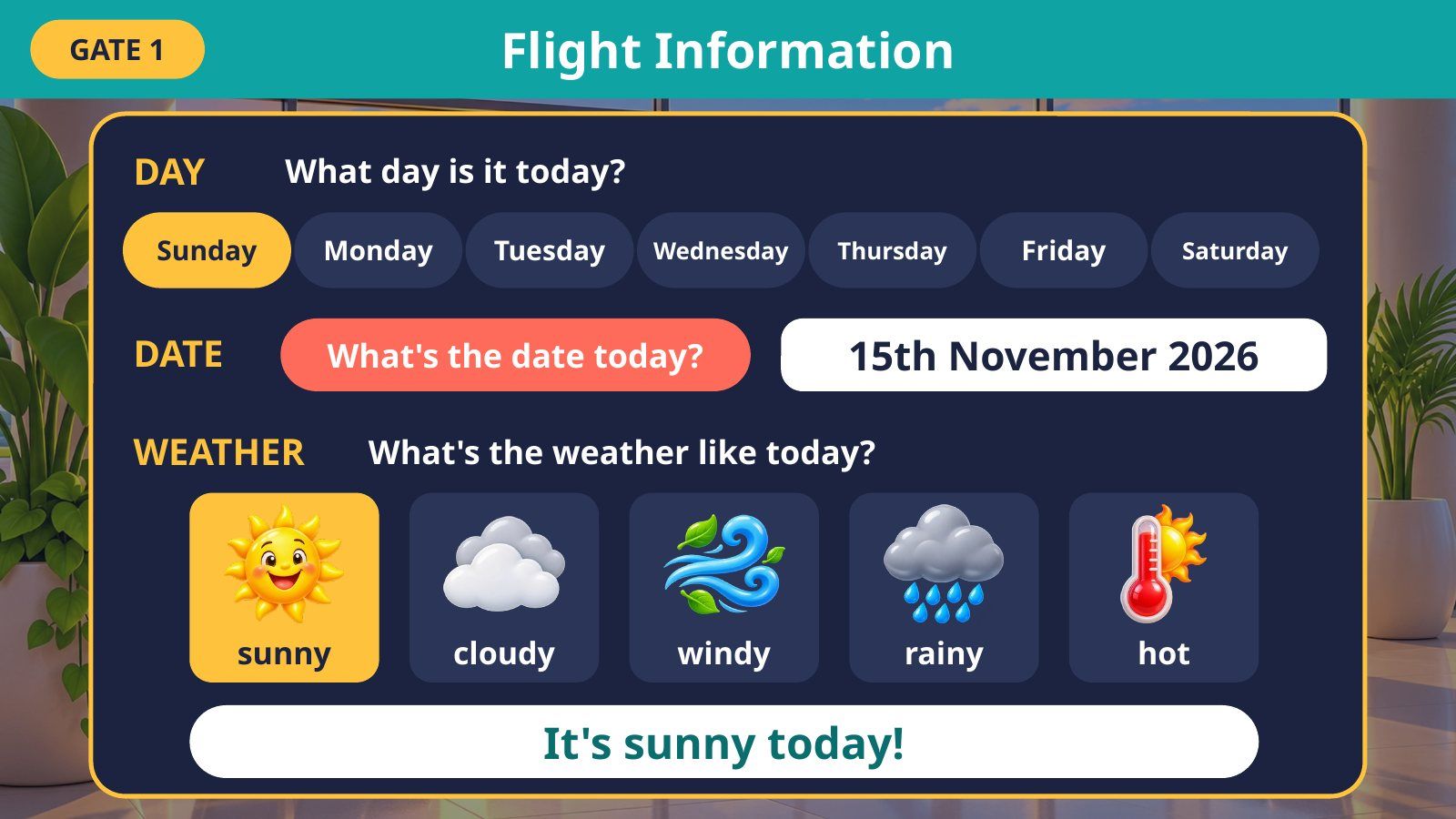
On tap: Tap today’s day: it lights up and is said aloud. Tap the button to show the date (you can type a new date before class). Tap the weather: only that sentence shows and is read aloud.
بالضغط يصير: ضغطة على يوم اليوم: يضيء وينطق. ضغطة على الزر: يظهر التاريخ (تقدرين تكتبين تاريخ جديد قبل الحصة). ضغطة على الجو: تظهر جملته بس وتنقرأ بصوت.
3Gate 2 · Baggage Claim (Lesson 5 review)
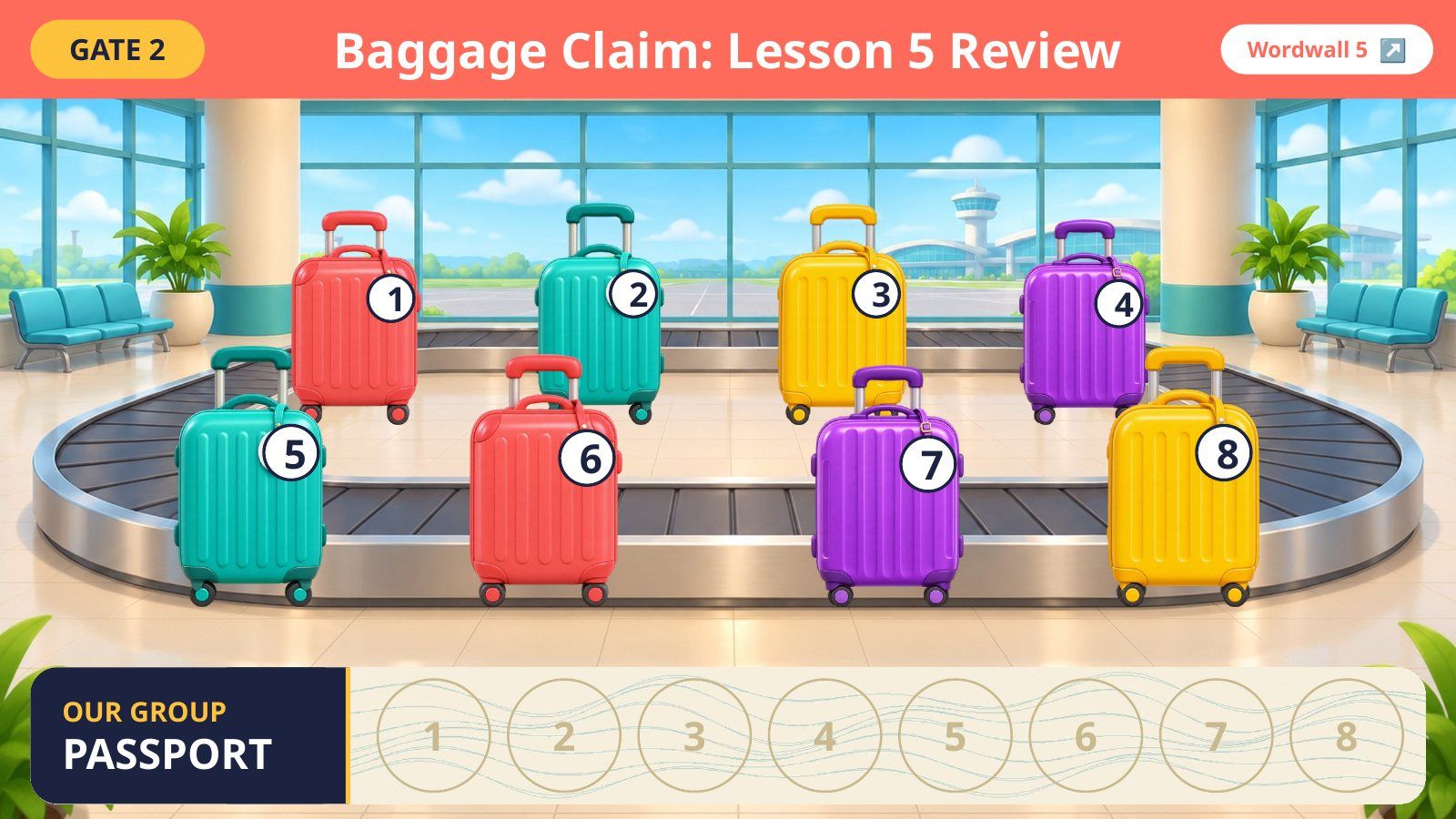
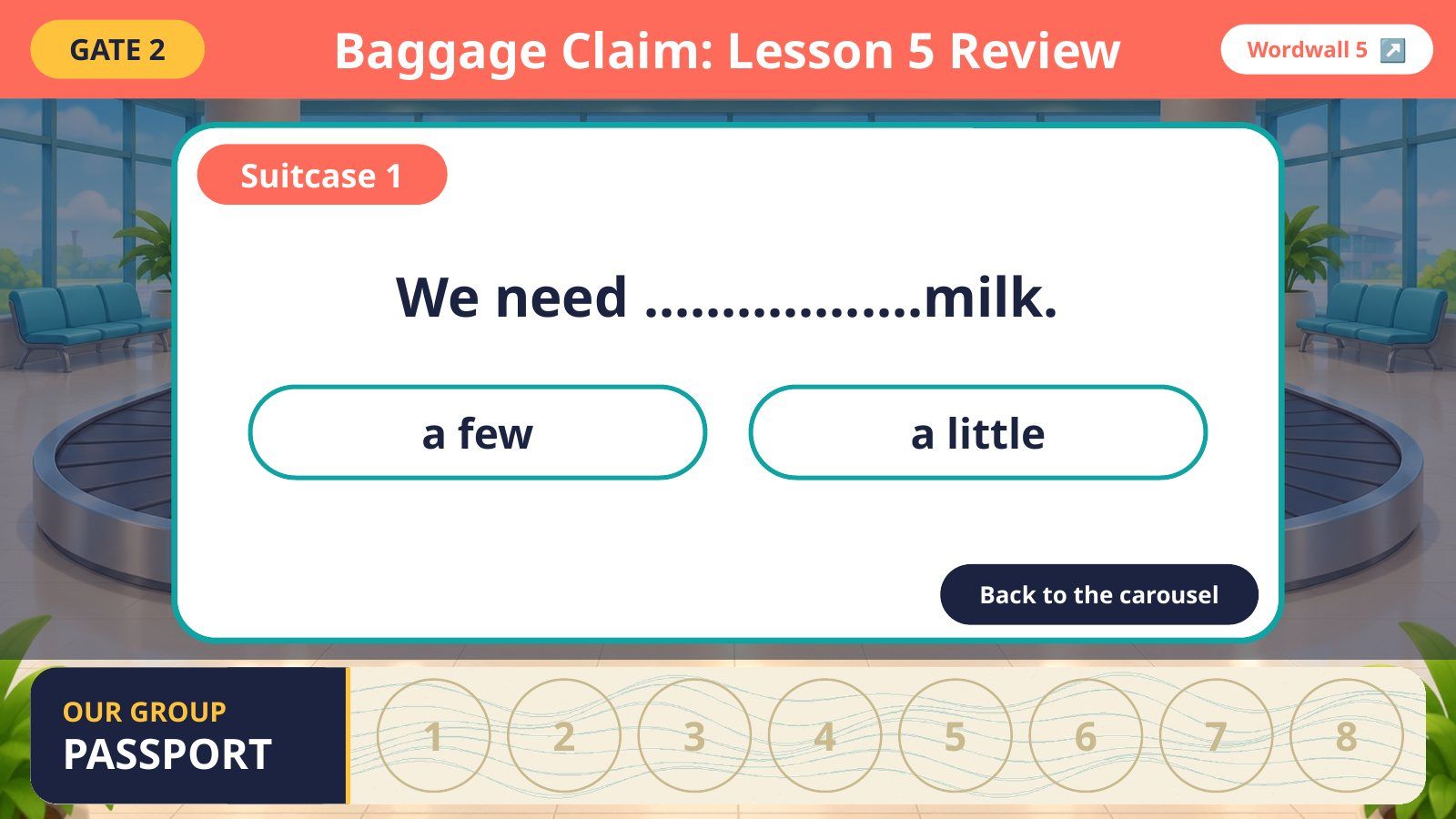
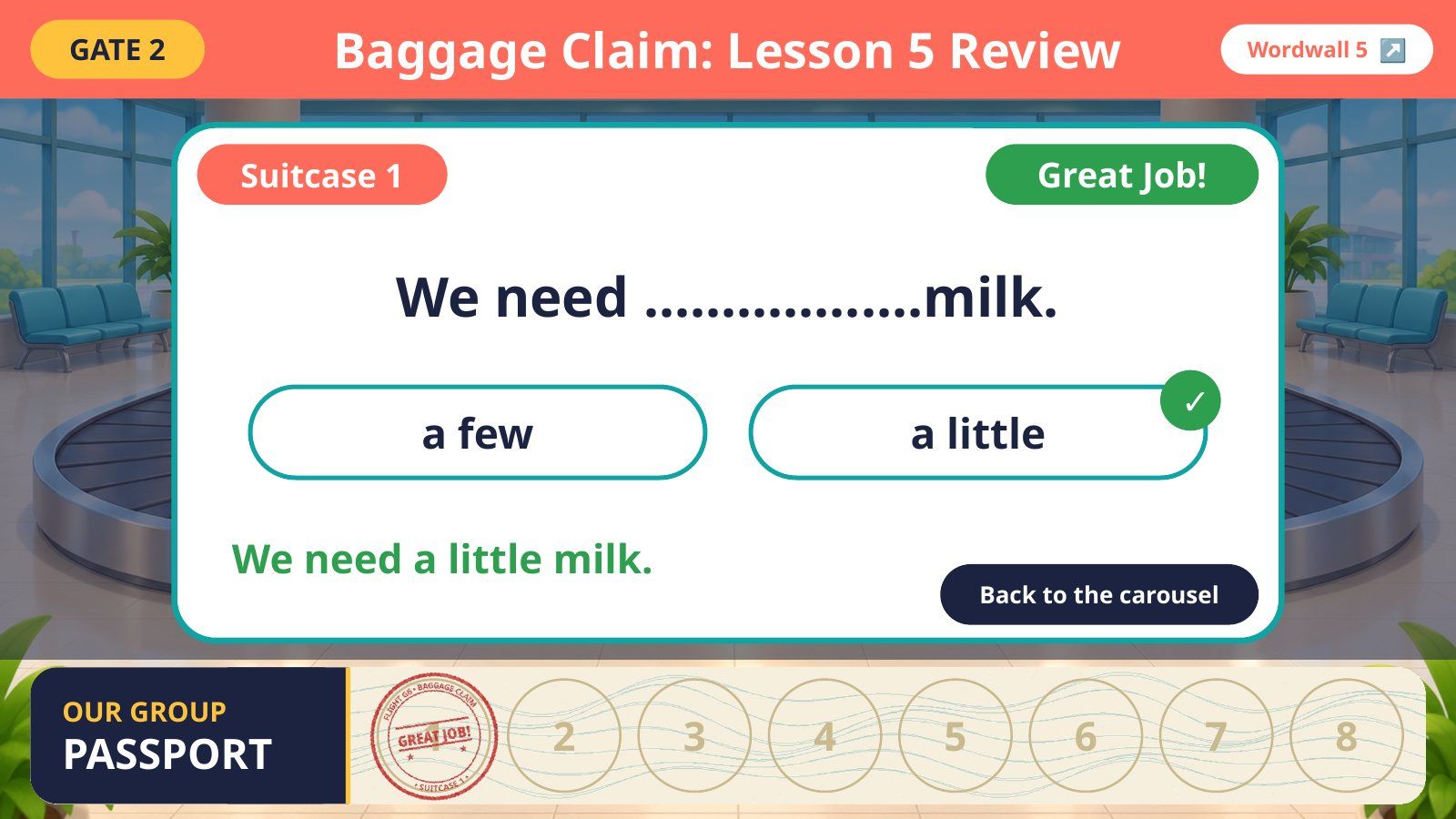
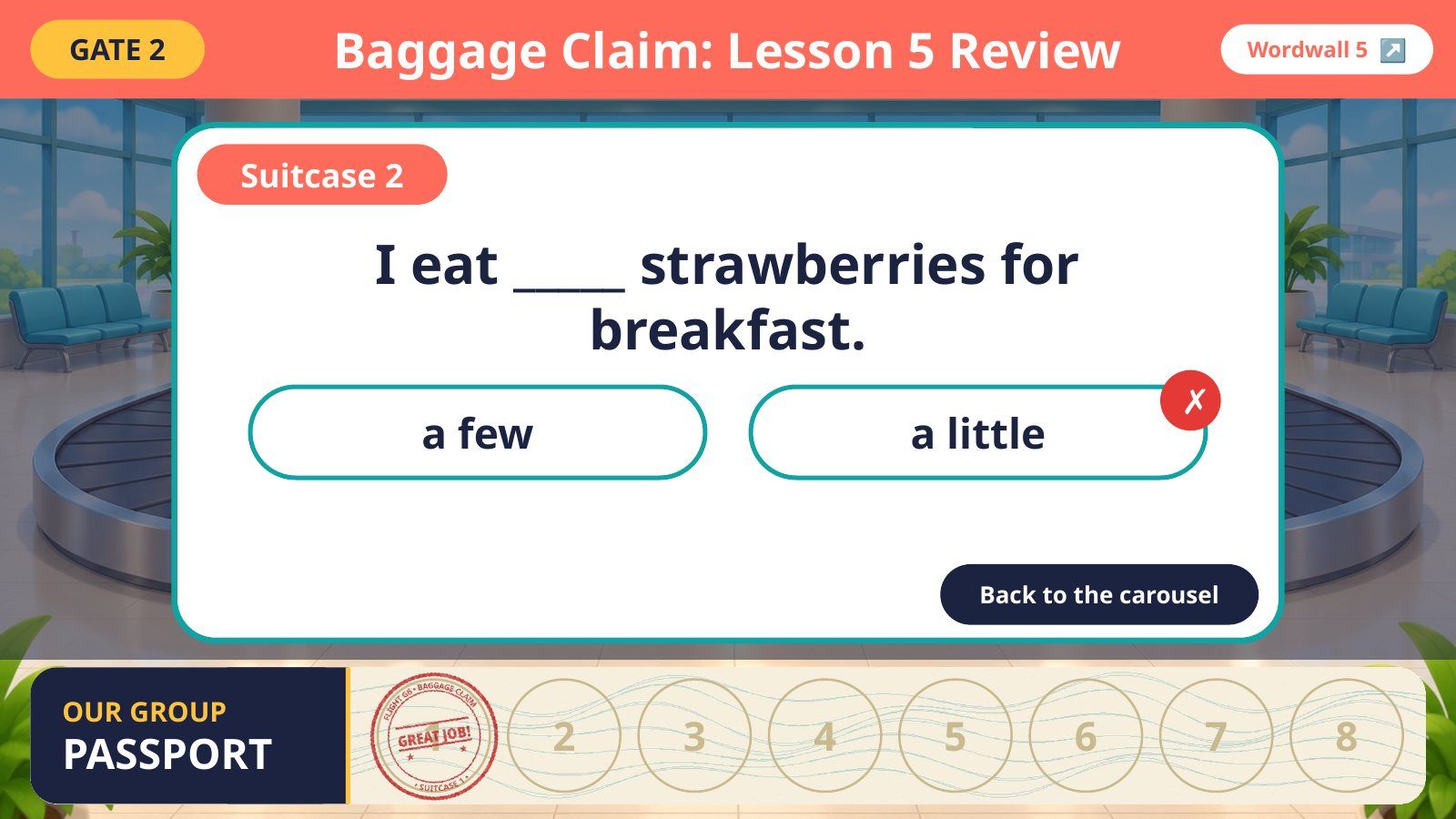
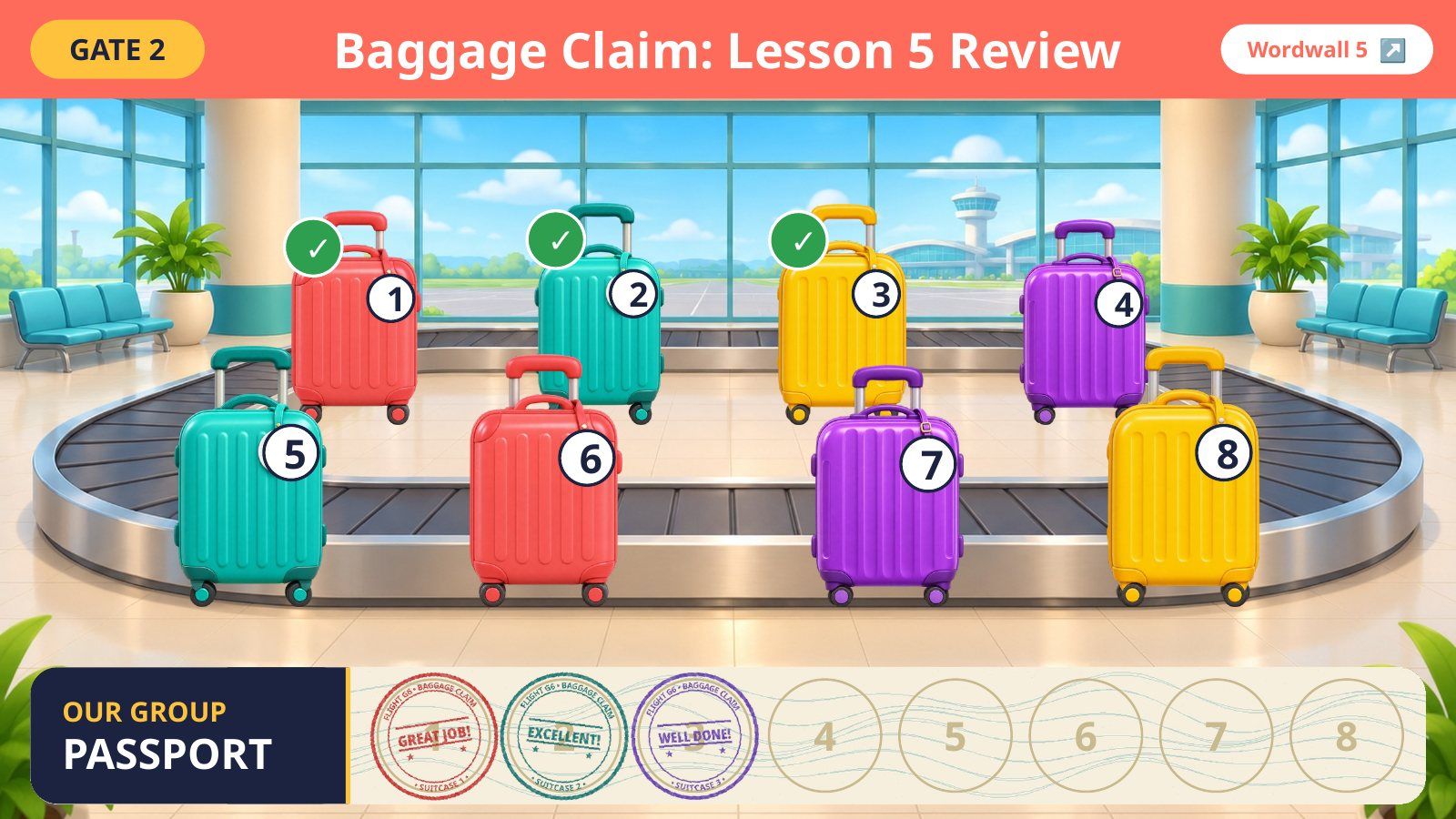
On tap: A student picks a suitcase number → tap it → read the question → tap an answer. Right = praise + a stamp in the group passport. Wrong = red cross, try again. «Back to the carousel» closes it (the suitcase gets a tick). «Wordwall 5» (top right) opens the original game in the browser.
بالضغط يصير: طالب يختار رقم حقيبة ← تضغطين عليها ← يُقرأ السؤال ← تضغطين الإجابة. الصح = مدح + ختم في جواز الصف. الخطأ = ✗ حمراء ونحاول مرة ثانية. «Back to the carousel» يقفل السؤال (والحقيبة تاخذ ✓). «Wordwall 5» فوق يفتح اللعبة الأصلية في المتصفح.
4Gate 3 · Homework Check
On tap: Homework check: workbook pages 144–145. The next slides are your own homework slides.
بالضغط يصير: تصحيح الواجب: صفحات ١٤٤–١٤٥ من كتاب النشاط. الشرائح اللي بعدها هي شرائح الواجب من ملفك.
5Homework (your slide 2)
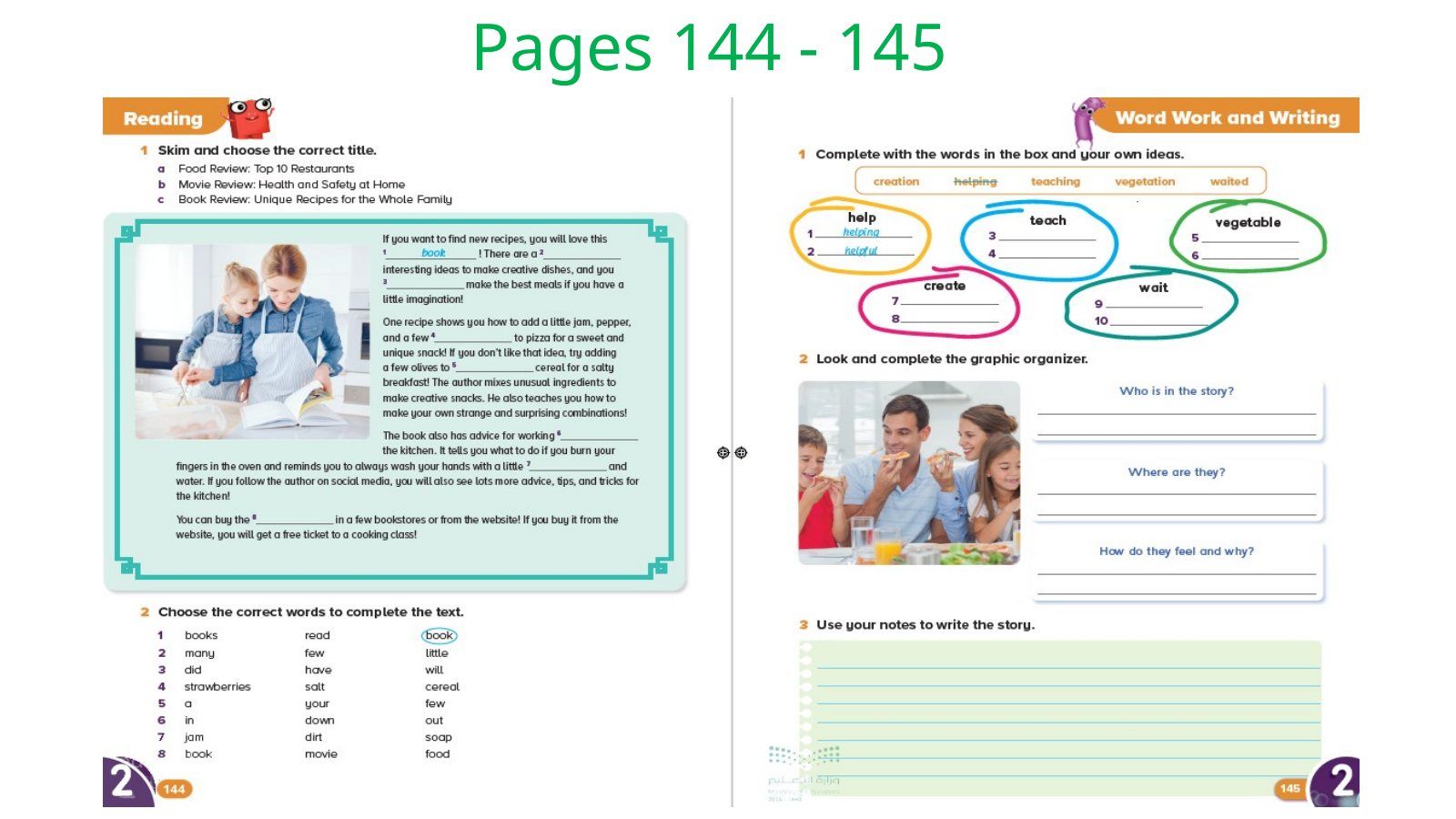
On tap: Click to show the answers one by one, as in your file.
بالضغط يصير: كل ضغطة تُظهر إجابة، مثل ملفك بالضبط.
6Homework (your slide 3)
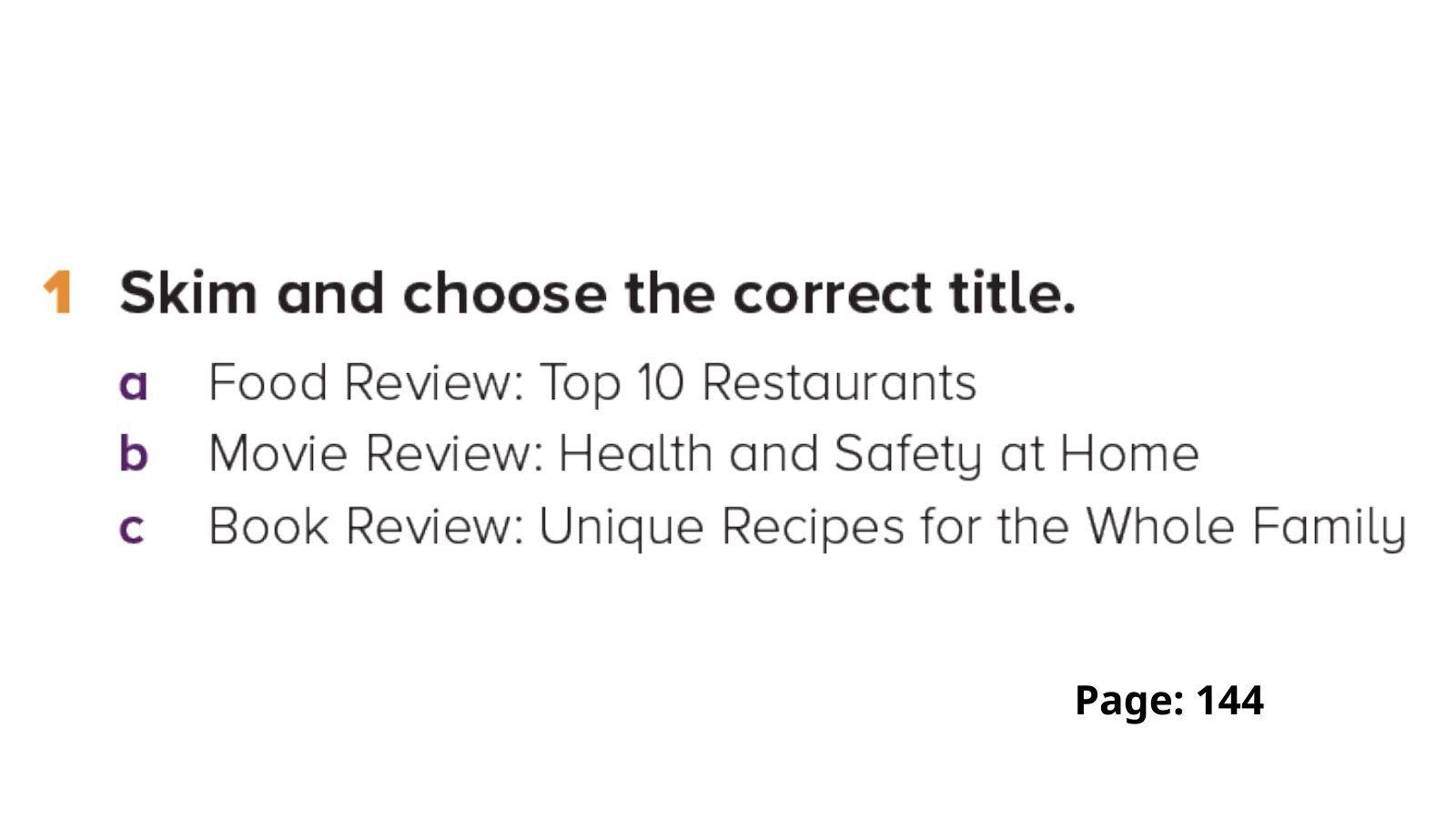
On tap: Click to show the answers one by one, as in your file.
بالضغط يصير: كل ضغطة تُظهر إجابة، مثل ملفك بالضبط.
7Homework (your slide 4)
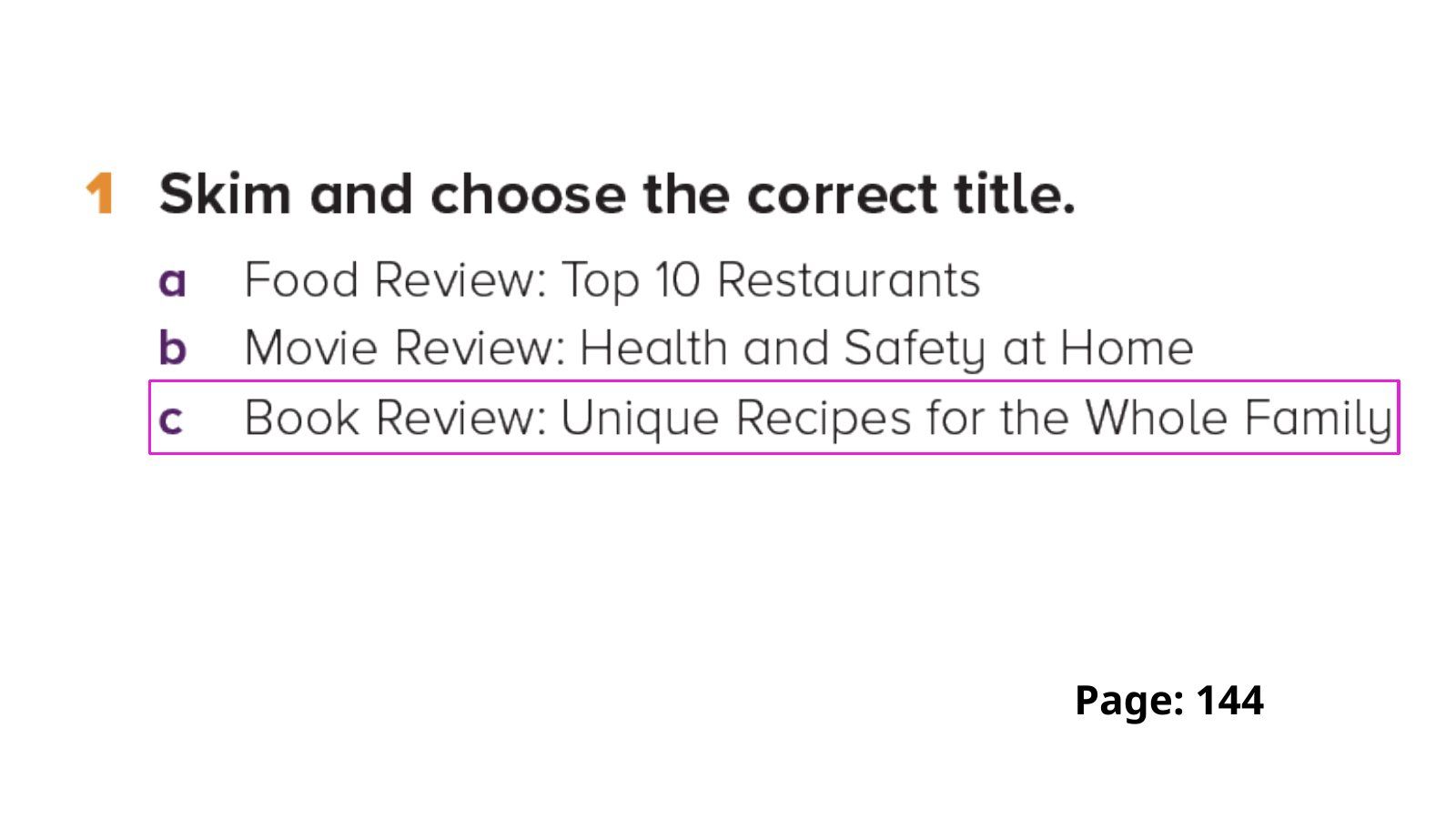
On tap: Click to show the answers one by one, as in your file.
بالضغط يصير: كل ضغطة تُظهر إجابة، مثل ملفك بالضبط.
8Homework (your slide 5)
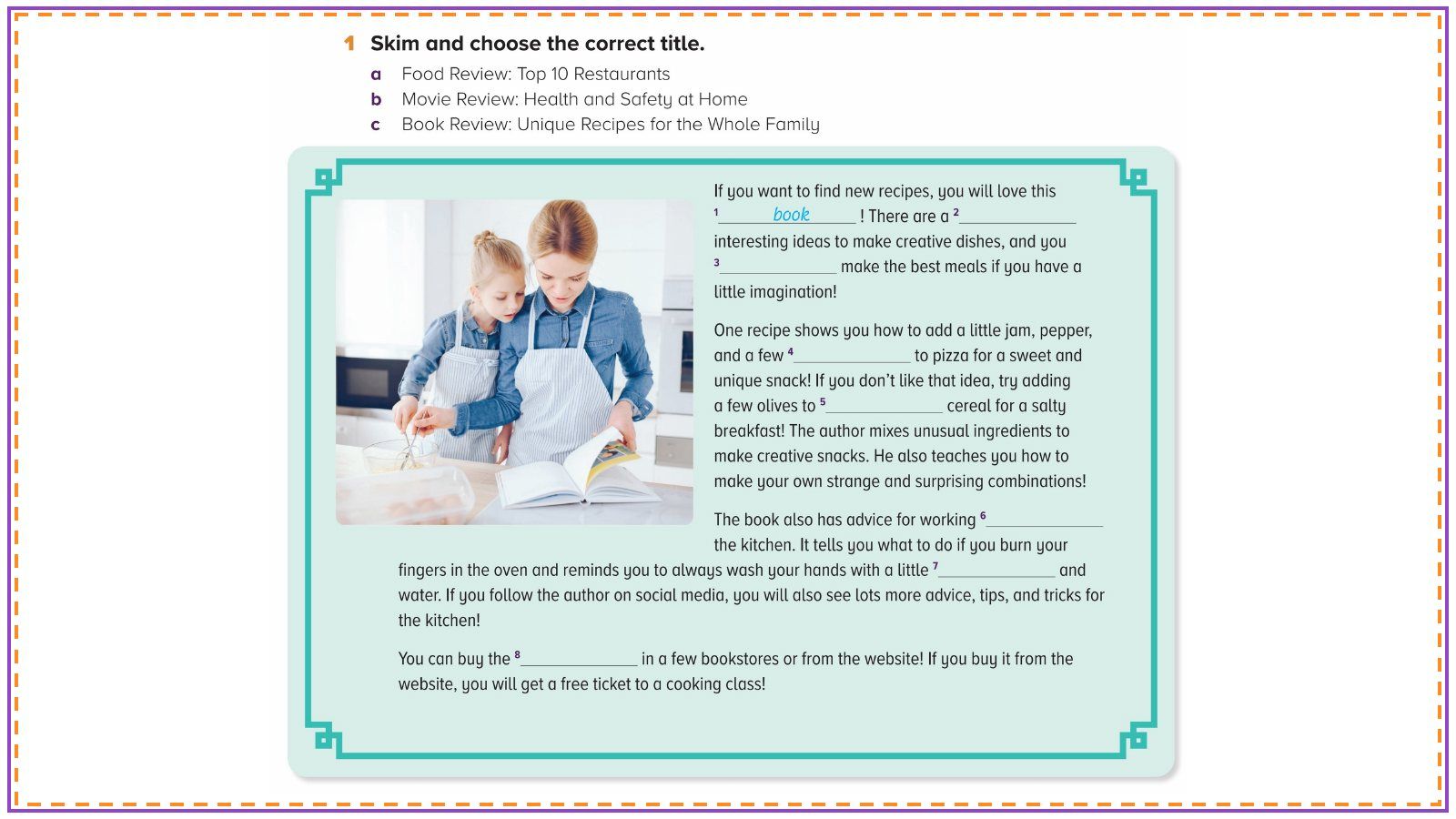
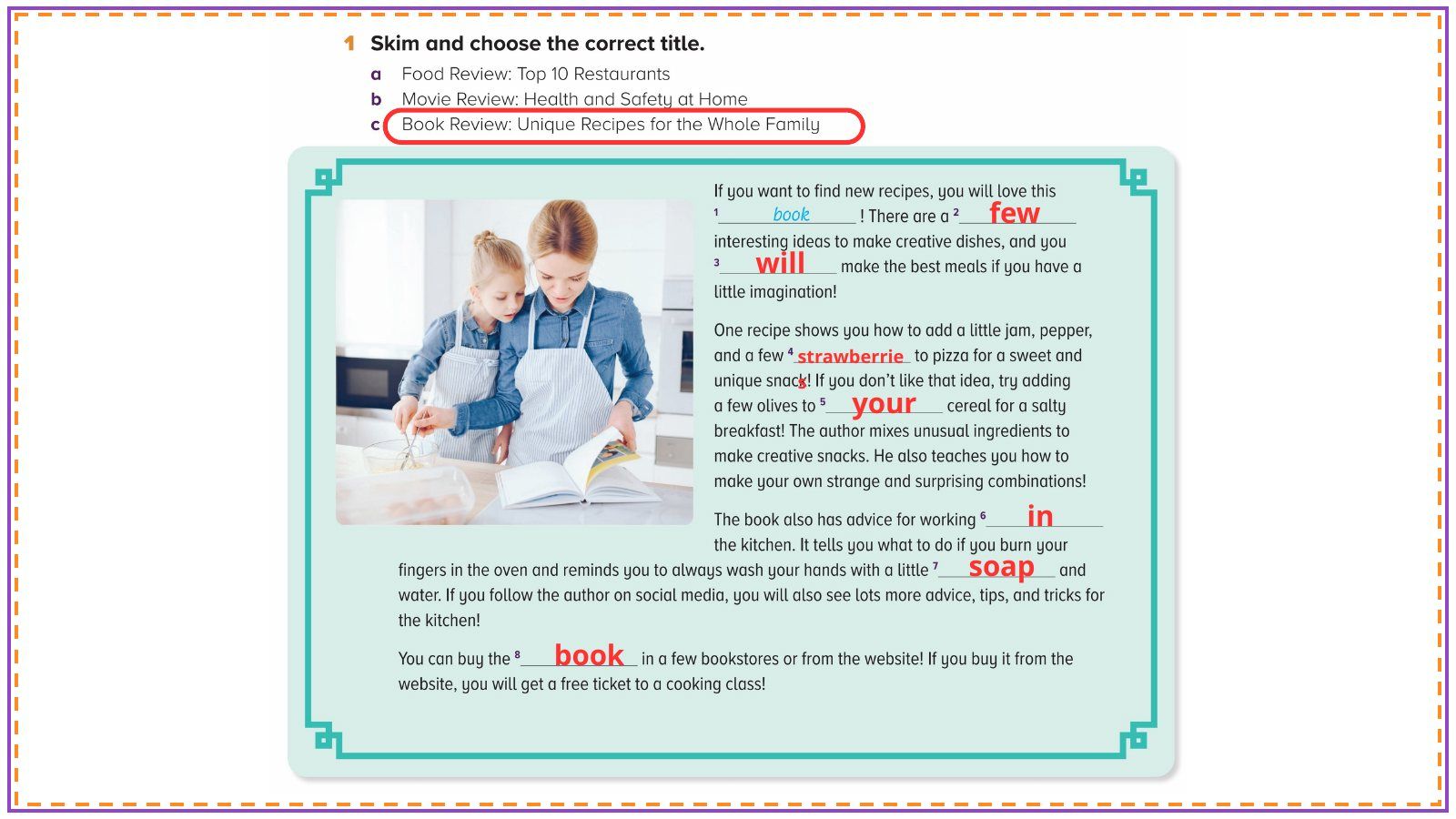
On tap: Click to show the answers one by one, as in your file.
بالضغط يصير: كل ضغطة تُظهر إجابة، مثل ملفك بالضبط.
9Homework (your slide 6)
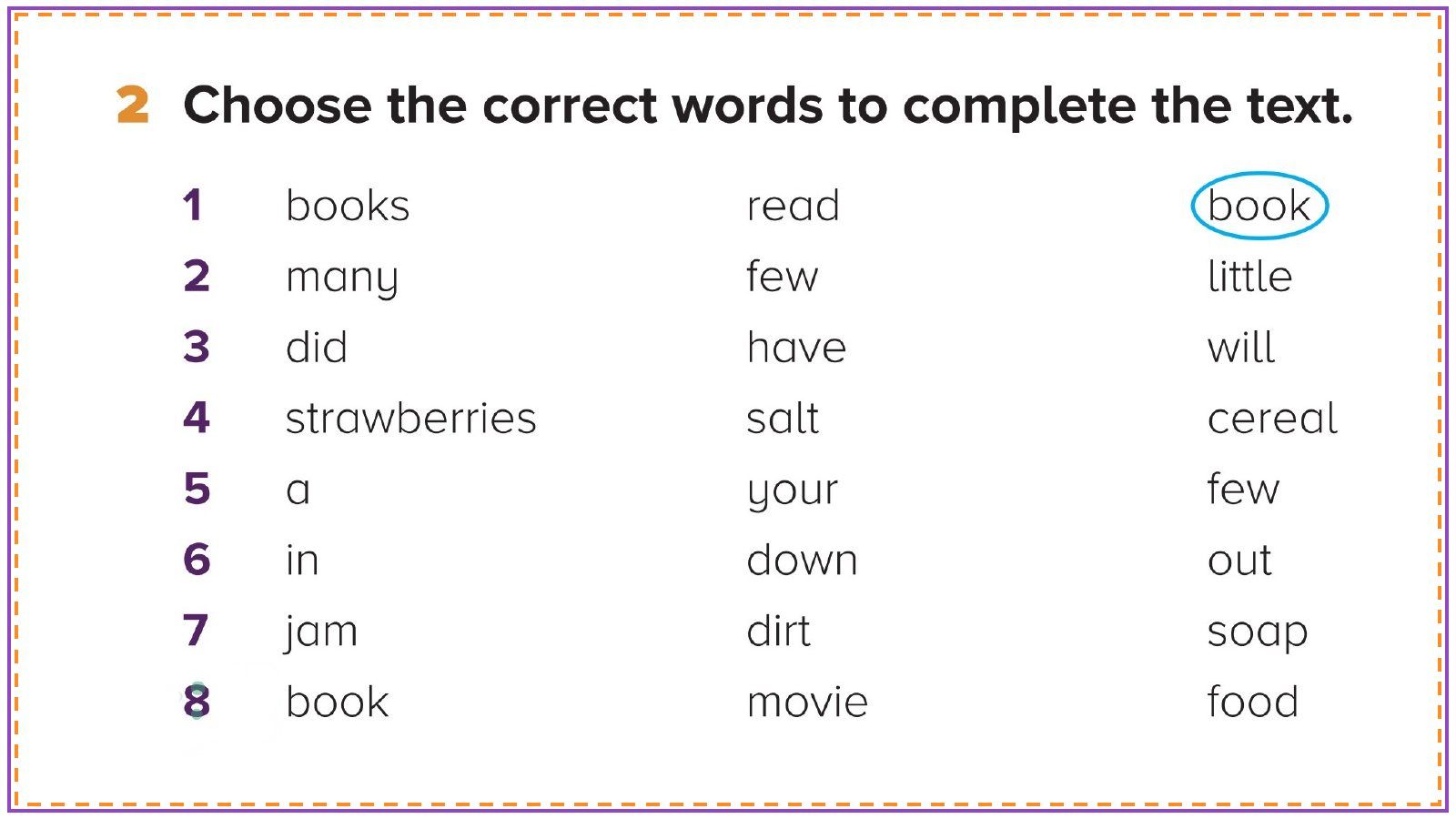
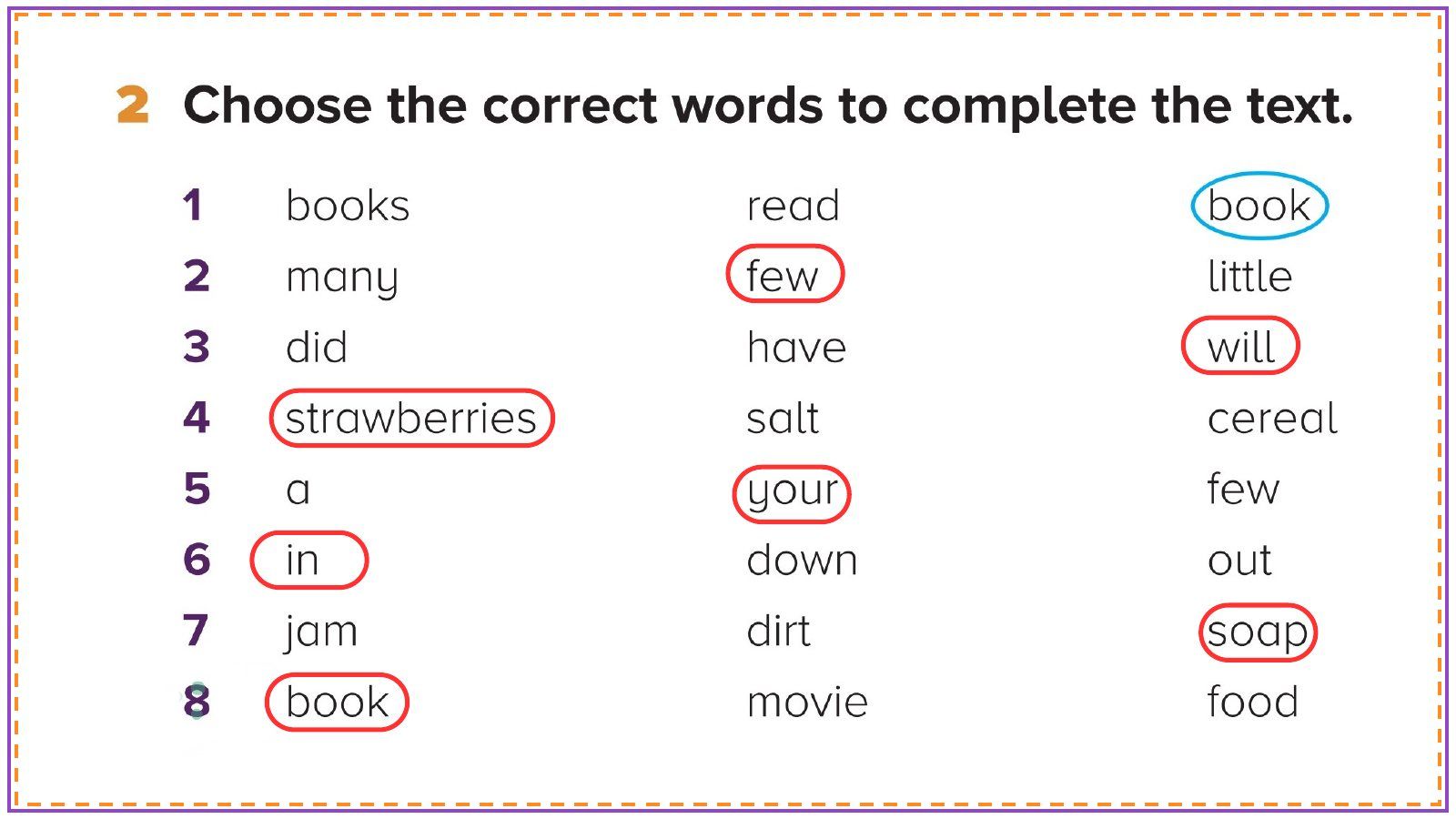
On tap: Click to show the answers one by one, as in your file.
بالضغط يصير: كل ضغطة تُظهر إجابة، مثل ملفك بالضبط.
10Homework (your slide 7)
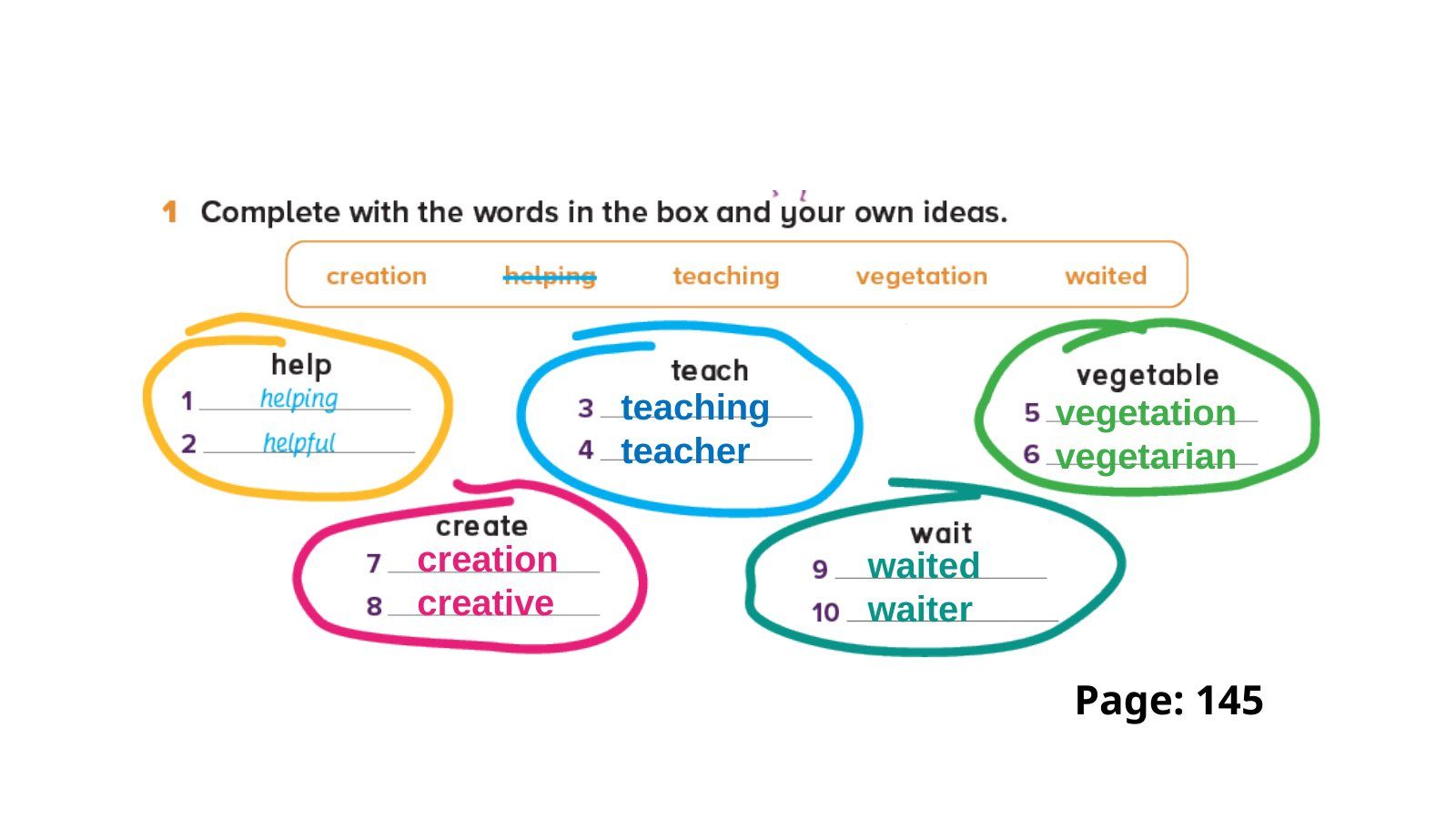
On tap: Click to show the answers one by one, as in your file.
بالضغط يصير: كل ضغطة تُظهر إجابة، مثل ملفك بالضبط.
11Homework (your slide 8)
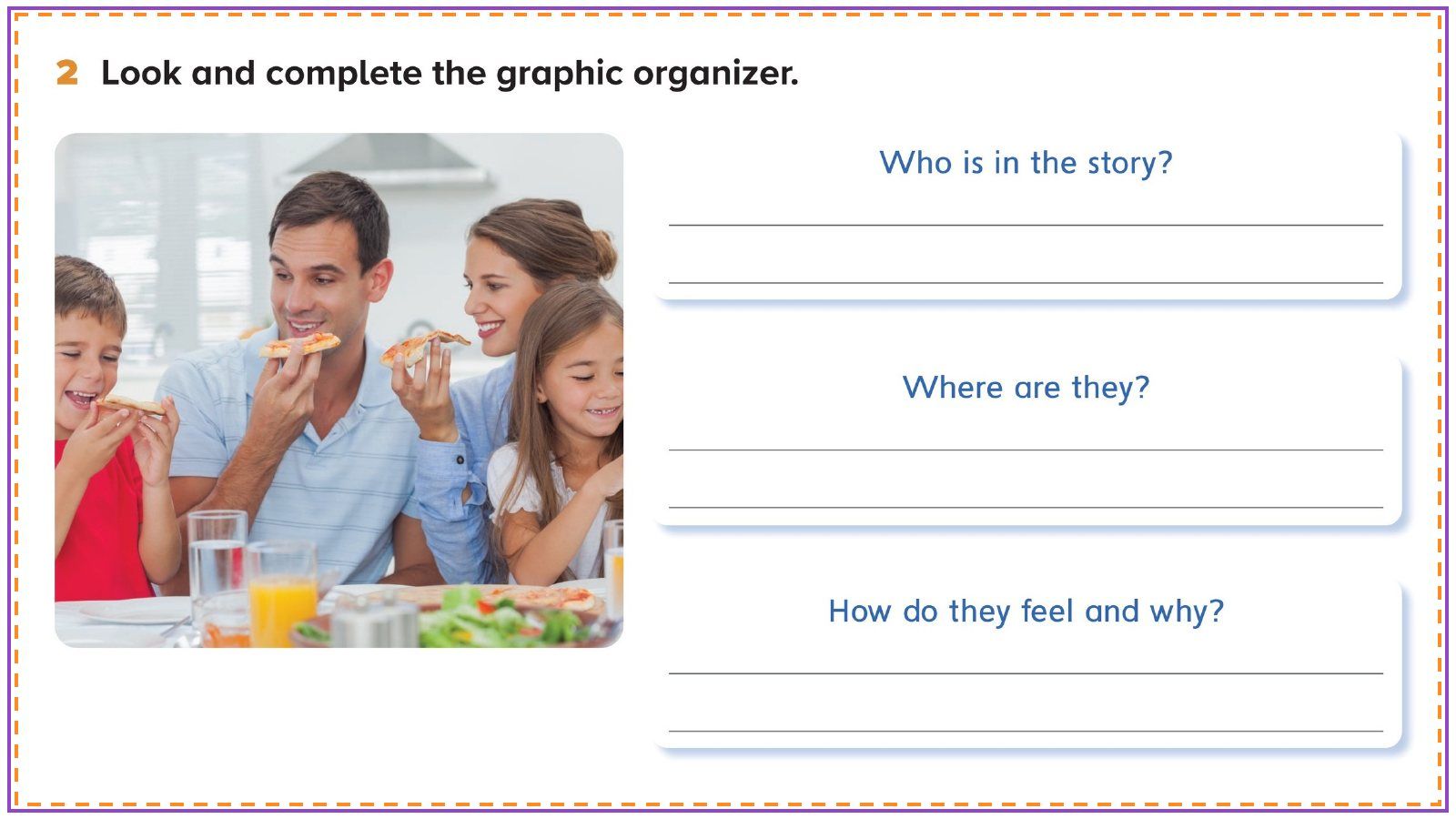
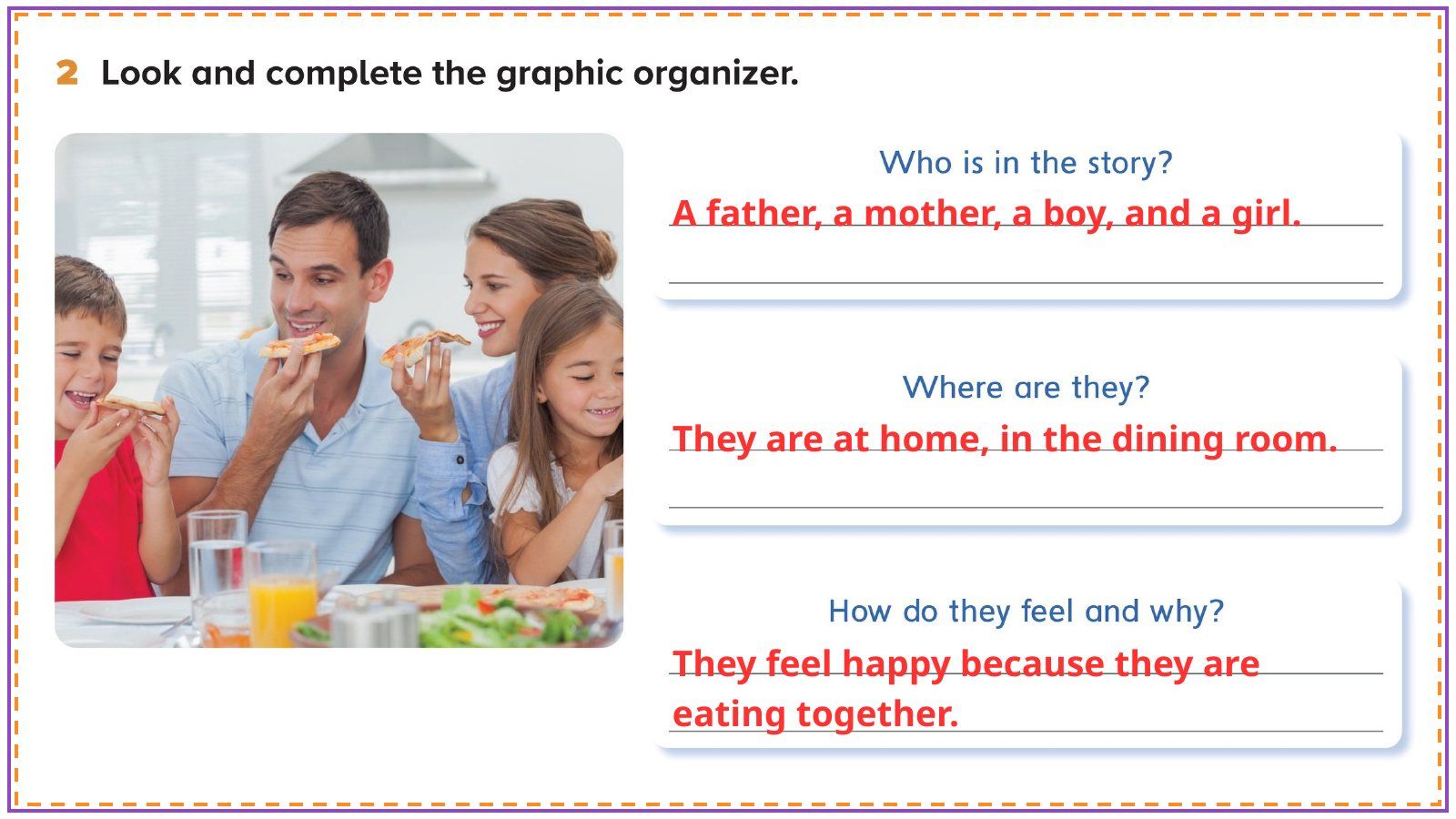
On tap: Click to show the answers one by one, as in your file.
بالضغط يصير: كل ضغطة تُظهر إجابة، مثل ملفك بالضبط.
12Let’s take off!

On tap: Last slide of the opening: now open your lesson file and continue (unit and lesson title, then the objectives).
بالضغط يصير: آخر شريحة في الافتتاح: بعدها تفتحين ملف الدرس وتكملين (عنوان الوحدة والدرس، ثم الأهداف).